Asset management and CMDB

Stay in control of your assets and their relationships, without getting lost in the details.

Managing equipment, software, licenses, and configurations can quickly become a headache. With C2, you can centralize, track, and understand your assets through an integrated, intuitive CMDB. Each item is linked to your processes, users, and services, providing a clear, connected, and always up-to-date view.
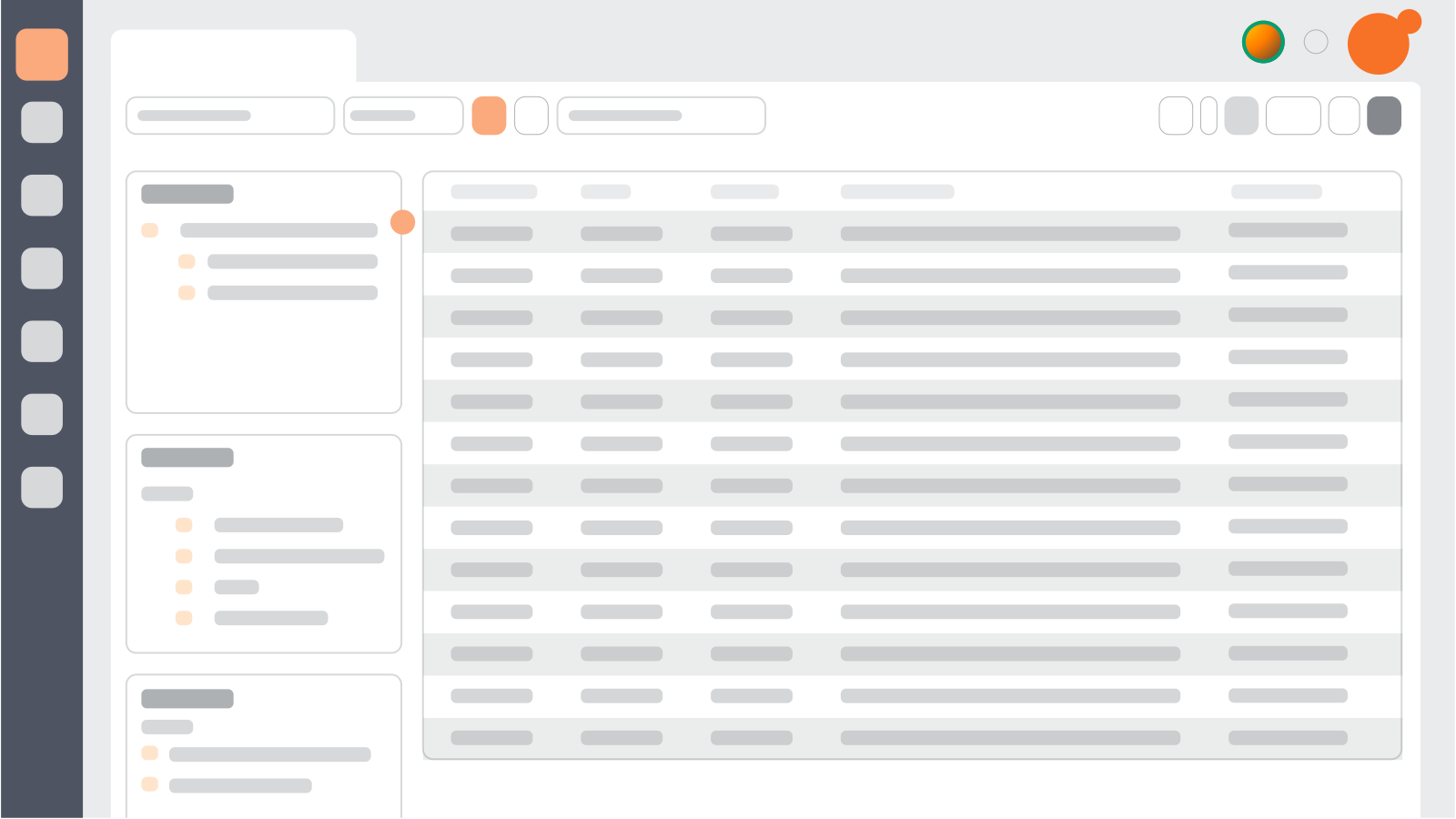
Illustration of a CMDB dashboard showing asset lists and relationships in C2

Well-Managed Assets, better-structured service

Keep track

A centralized view of all your assets and inventories

Employee managing inventory with a digital tablet, representing centralized asset and inventory management in C2

Find all your equipment, software, licenses, vehicles, and other critical assets in one place. C2’s CMDB allows every department: IT, facilities, or administrative support—to manage assets with rigor and simplicity.

Control your resources

Gain better visibility into your budget

Team walking through warehouse aisles, symbolizing visibility into asset value and lifecycle management.

Track asset usage, condition, and value over time to better plan your investments. Whether it’s renewal, reassignment, or retirement, you have all the indicators you need to make informed decisions.

Connect the dots

Link assets, tickets, processes, and users

Classroom with students using tablets, representing asset connections between users, tickets, and services

Each asset is tied to its history, related tickets, impacted users, and dependent services. Get a complete view for operations, audits, and continuous improvement initiatives.

Better control of your assets, across every service

The C2 platform helps your teams structure asset management smoothly: whether coordinating critical IT projects, facilitating citizen services, or tracking physical resources more effectively. Here are some concrete examples.

Server migration: structured change management

With the CMDB, each asset is linked to its dependencies, users, configurations, and SLAs. The result: seamless migrations aligned with ITIL processes, fully traceable and interruption-free.

Learn more about change management

Community space reservation

A space is configured as an asset with precise usage rules. Requests are submitted through a digital form linked to the CMDB. Municipal teams easily track usage, incidents, and maintenance.

Learn more about C2 for municipalities

Shared equipment tracking

View your entire asset fleet at a glance: screens, printers, furniture, or specialized tools. The CMDB links each asset to a user, site, status, and maintenance history.

Learn more about C2 for physical resources

IT tracking for schools

Educational equipment is tracked with precision. With the CMDB, IT teams know who uses what, in what condition, and can easily associate service requests with each asset.

Learn more about C2 and ITSM for education

Key features of the CMDB and asset management

Powerful tools to structure, connect, and take control of your organizational assets

Discover how C2 and ITSM make it easier to track, manage, and optimize your assets with a complete and intuitive CMDB.

Deux collègues gèrent l'inventaire d'une boutique à l'aide d'un ordinateur portable, illustrant la gestion d’actifs centralisée.
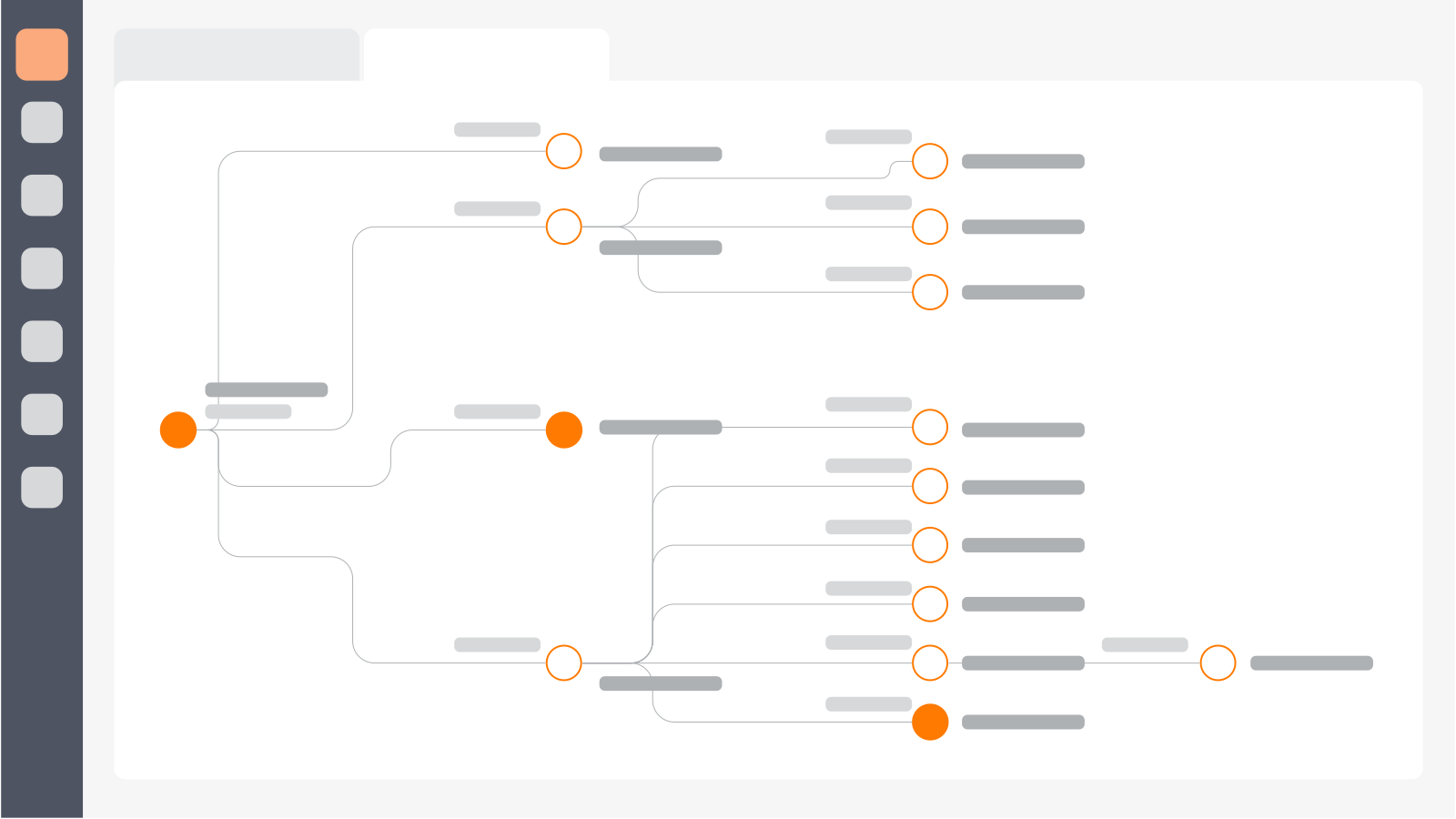
Graphical CMDB relationship model showing dependencies between assets, users, and services

Graphical relationship model

The C2 CMDB provides a visual map of dependencies between equipment, software, users, and services. Quickly identify the impacts of a change or an outage.

Asset depreciation

Track the residual value and lifecycle of your equipment. Automated depreciation helps plan replacements, evaluate ROI, and optimize both IT and non-IT investments.

Dynamic threshold alerts

Receive notifications when critical thresholds are reached: low inventory, upcoming expiration date, or end of lifecycle. Prevent service interruptions before they happen.

Two IT managers reviewing equipment in a warehouse, illustrating proactive asset monitoring with threshold alerts.

Comprehensive IT asset reports

Quickly find the right information with a combined search and multiple filters: keywords, specific fields, or date ranges. Ideal for tracking tickets, verifying history, or following up on requests with precision.

Direct link with requests and incidents

Each asset is connected to its ticket history. Instantly view recurring issues, affected users, and past actions to better prioritize interventions.

Multi-site and multi-department tracking

Organize and manage assets by site, department, or administrative unit. Perfect for decentralized or growing organizations.

Smart inventory forms

Add or update assets using dynamic forms tied to management rules and workflows, ensuring your inventory is always up to date.


 Jeune fille choisissant un livre dans une bibliothèque, illustrant la gestion numérique des prêts avec C2 ITSM dans une ville québécoise.

“We managed to integrate the entire library team into C2 and it’s been a huge success. More than 7,400 books have already been borrowed through the system in the last 18 months!”

Vincent Marcoux

IT Director – City of Beloeil, Canada

Manage your assets, connect your data, master your operations

Take control of your assets with C2: connect your data, simplify processes, and ensure smooth, reliable operations.

Incident management: turning disruptions into opportunities
Enterprise service management made simple What it really means for mid-sized organizations
Enterprise service management made simple for mid-sized organizations
Human Resources: bringing efficiency through service management

Every month, discover articles, news, and more with the C2 newsletter, delivered straight to your inbox.

Case Study: the city of Beloeil used the C2 Platform